Documentation
Welcome to our Documentation page! Here, you’ll find everything you need to navigate and utilize the platform effectively. From step-by-step user guides and best practices to troubleshooting tips and FAQs, this comprehensive resource is designed to support users at all levels. Developers can explore our API documentation and integration guides, while general users can access detailed tutorials, platform overviews, and security insights. Stay updated with our release notes and learn how to maximize productivity with best practices. If you have suggestions or need additional support, we’re here to help make your experience seamless and successful.
Getting Started:
Start your journey with a step-by-step guide on setting up your account, exploring key features, and personalizing your experience. Perfect for first-time users!
Platform Overview:
Understand the core features of our platform. This section covers an in-depth explanation of the tools, functionalities, and capabilities available to users.
User Guides:
Detailed, step-by-step instructions for performing specific tasks on the platform. From creating groups to managing communication settings, we’ve got you covered.
Best Practices:
Learn tips and best practices to maximize your productivity. Whether it’s managing group communication or customizing settings, this section helps you make the most of your experience.
API Documentation:
For developers looking to integrate our platform with other tools or systems, this section provides all the technical details and examples needed to get started.
Updates and Release Notes:
Stay informed about the latest platform updates, new features, and improvements. Review our release notes to see what’s new and how it impacts your experience.
Security and Privacy:
Understand how we prioritize your data security and privacy. This section explains our encryption protocols, data management practices, and compliance with privacy laws.
Integration Guides:
Discover how to connect our platform with third-party tools and services for a seamless workflow. Detailed instructions make integration easy and effective.
Glossary of Terms:
New to the platform? Check out our glossary for definitions of key terms and concepts to better understand the platform’s features and functionalities.
Feedback on Documentation:
We value your feedback! If you find errors or have suggestions for improving our documentation, let us know. Your input helps us serve you better.
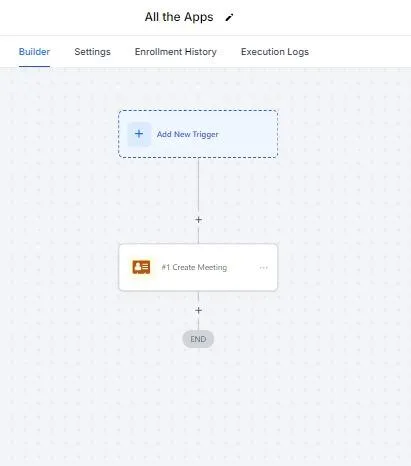
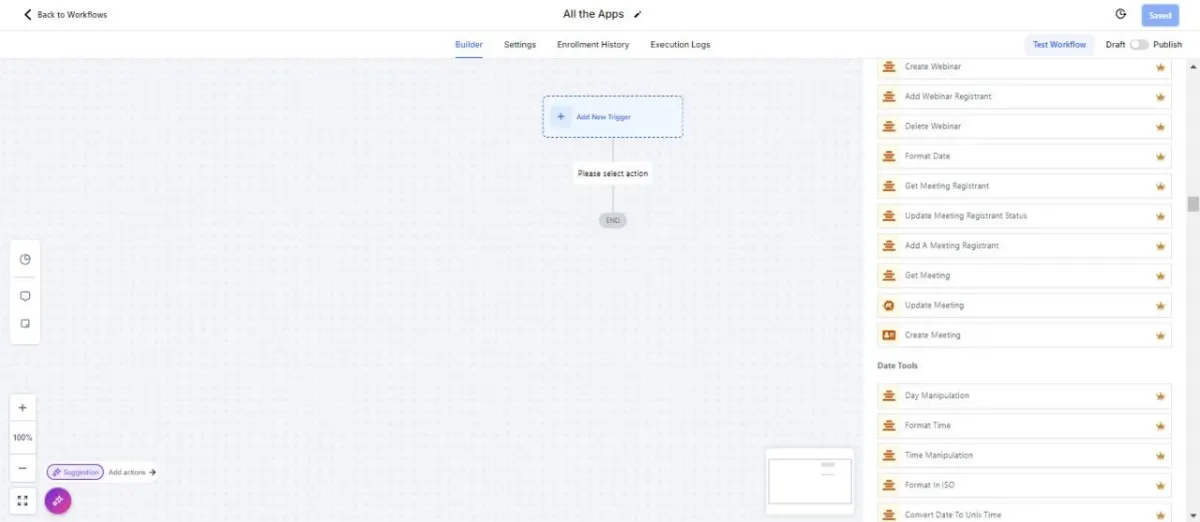
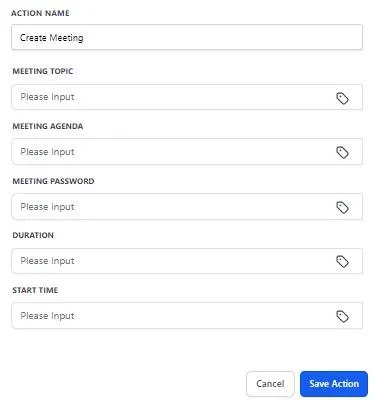
Workflow Triggers Explained
Unlock the full potential of All The Apps by understanding our workflow triggers. This section provides in-depth explanations of how to set up, customize, and manage triggers, allowing you to automate tasks and enhance productivity seamlessly.